
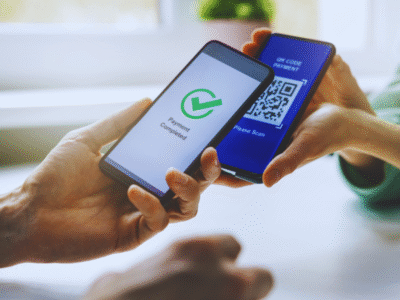
QR Codes on Mobile: No Longer a Dead End
QR codes are now a staple in marketing, appearing on everything from packaging and posters to restaurant menus and landing pages. But there’s one question marketers often face:
“How can someone scan a QR code on a website when they’re already viewing it on their phone?”
It’s a valid concern, but thankfully, no longer a limitation.
Modern smartphones now support QR code scanning directly from images saved in your gallery. This opens up a range of opportunities:
- Encouraging users to screenshot a coupon code for use later
- Allowing access to updated information from posters or digital menus
- Supporting re-orders and ongoing promotions through delayed interaction
In short, you can now use QR codes on mobile-only platforms more confidently than ever.
How to Scan a QR Code from a Screenshot or Photo
Here’s how users can scan QR codes from photos stored on their smartphones – no third-party apps required.
On iOS Devices (iPhone or iPad)
Apple’s Live Text and Visual Look Up features make this incredibly easy:
- Open the screenshot or photo containing the QR code in your Photos app
- Tap the Live Text icon (usually in the bottom-right corner)
- Tap on the QR code itself
- Follow the prompt to open the link or action embedded in the code
On Android Devices
Thanks to Google’s integrated image-recognition tools, Android users have multiple options via Google Photos, Google Assistant, or the Google app.
- Open Google Photos (or your gallery app linked with Google)
- Tap the photo with the QR code
- Tap the Google Lens icon (usually at the bottom)
- The QR code will be automatically scanned and a prompt will appear to take action
You can also use Google Assistant or the Google app to select and scan images from your phone’s storage.
A Quick Tip for Marketers
When displaying a QR code on a mobile-friendly website or digital campaign, prompt the user to take a screenshot. A simple line like:
“Save this QR code for later – just take a quick screenshot!”
…can significantly increase engagement and follow-through.
In Summary
You’re no longer limited by the old “you can’t scan a code on the same device” issue. With improved scanning technology across iOS and Android, users can now interact with QR codes from their photo gallery – making your campaigns more versatile and future-proof.
 QR Codes Today: More Than Just Product Tracking